


I consider myself a hobby photographer, not a professional photographer. This tutorial is for beginners, sharing what has worked for me.
What You Need
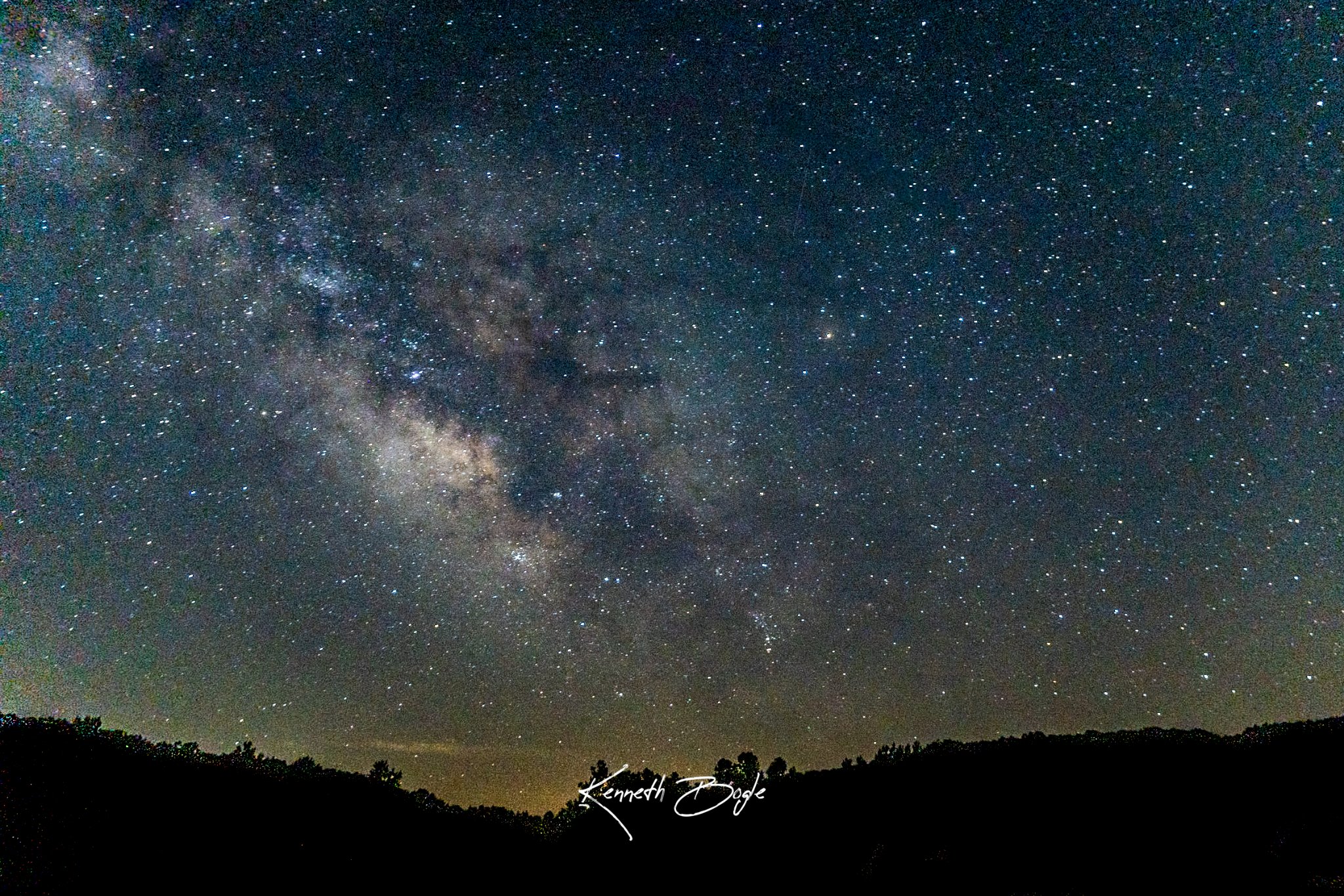
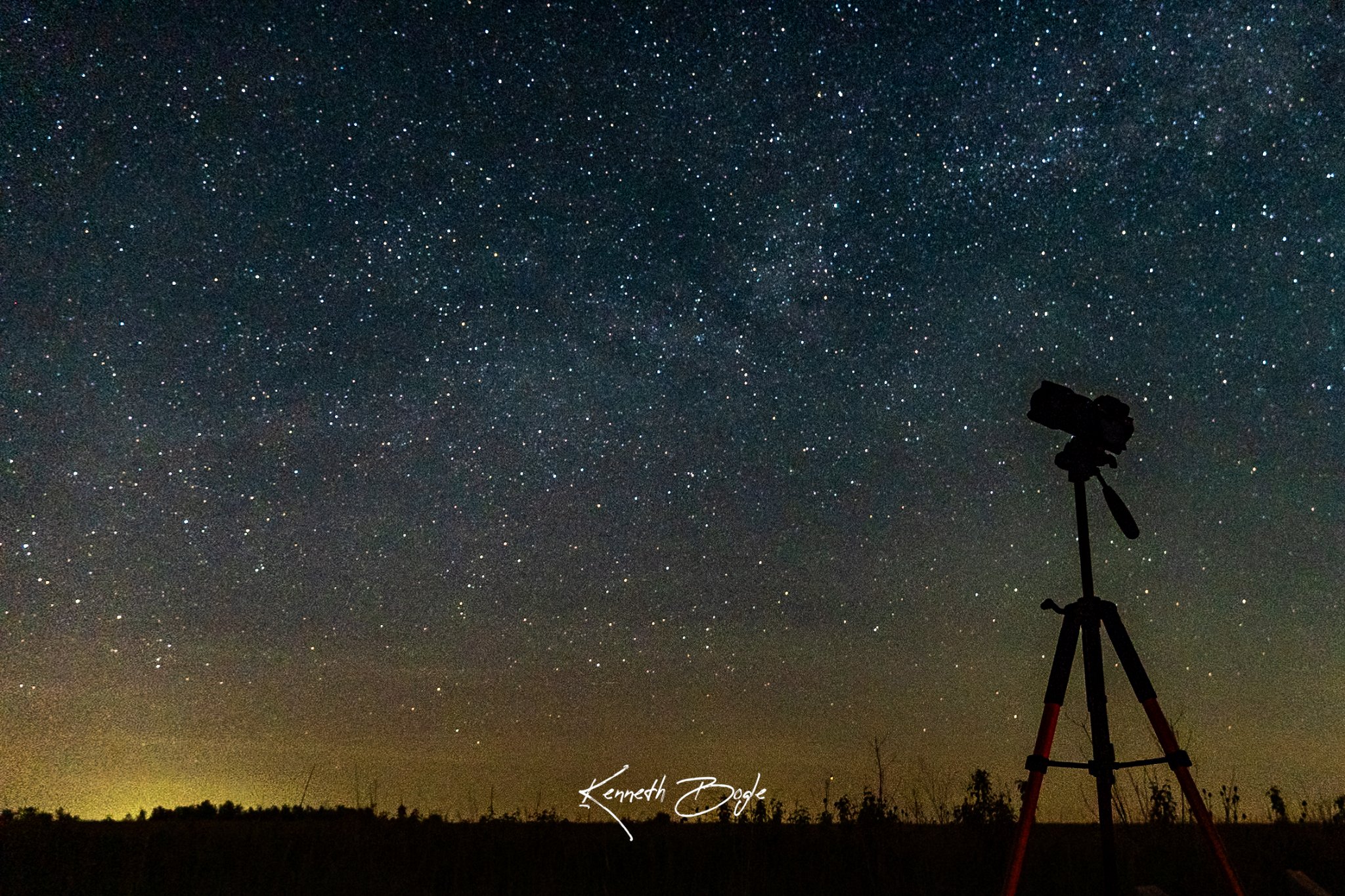
Here is the gear I use for star photos. First, you need a tripod. The shutter stays open for many seconds, so the camera must not move at all. Second, you need a way to take the photo without touching the camera. I use a remote release, but the 2 second timer works just as well. Third, use your widest lens. A wide view catches more of the sky in one photo. Fourth, the lens should open wide. A wide aperture lets in more light, which is exactly what you need at night.
Full Frame and Crop Sensor
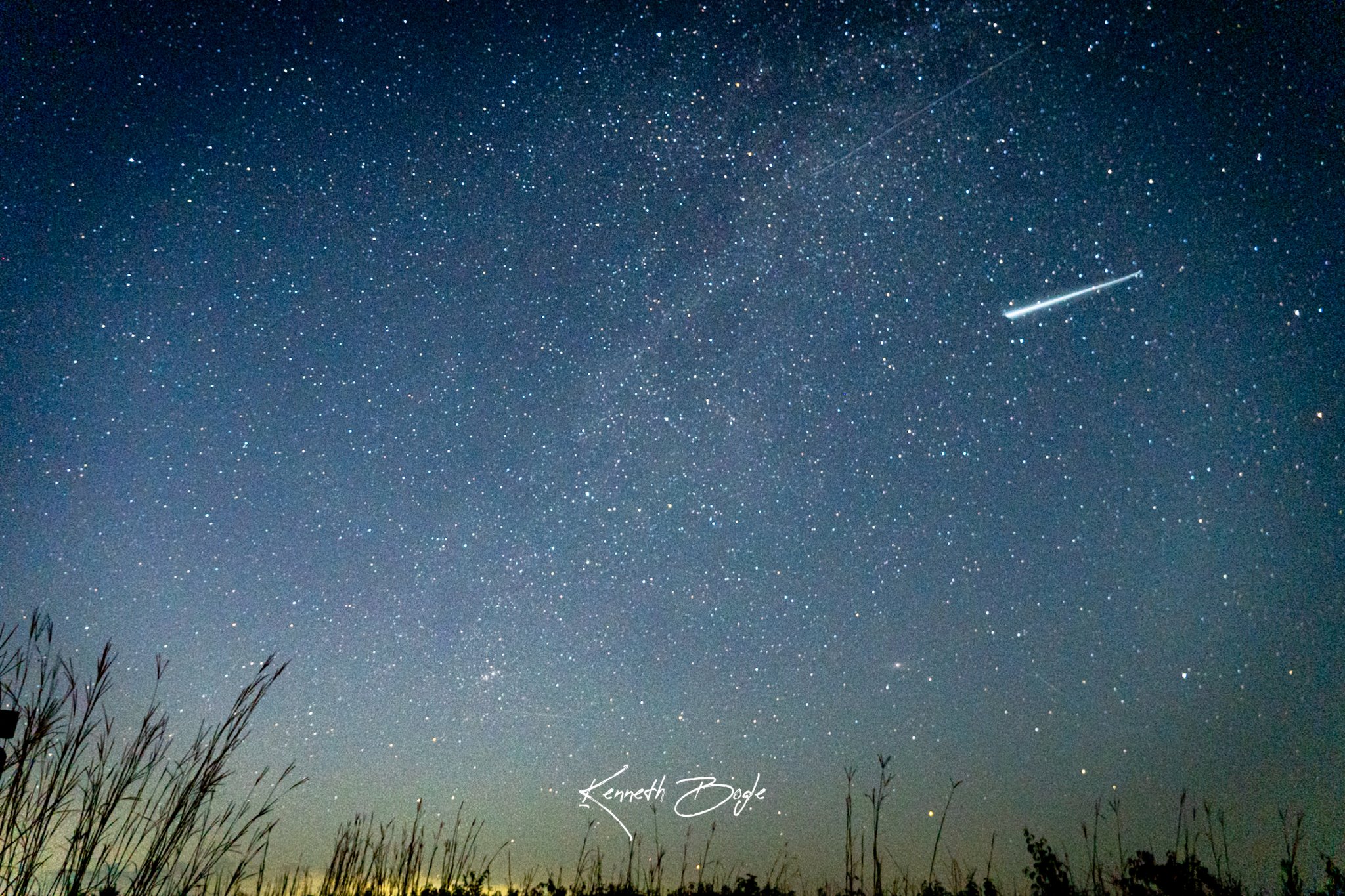
Full frame sensors seem to be better for star photos. However, my camera is a Sony a6600, which has a crop sensor, and it can capture them. You do not need a full frame camera to start. I shoot with the Sony a6600 and I am happy with the results.
Starting Settings
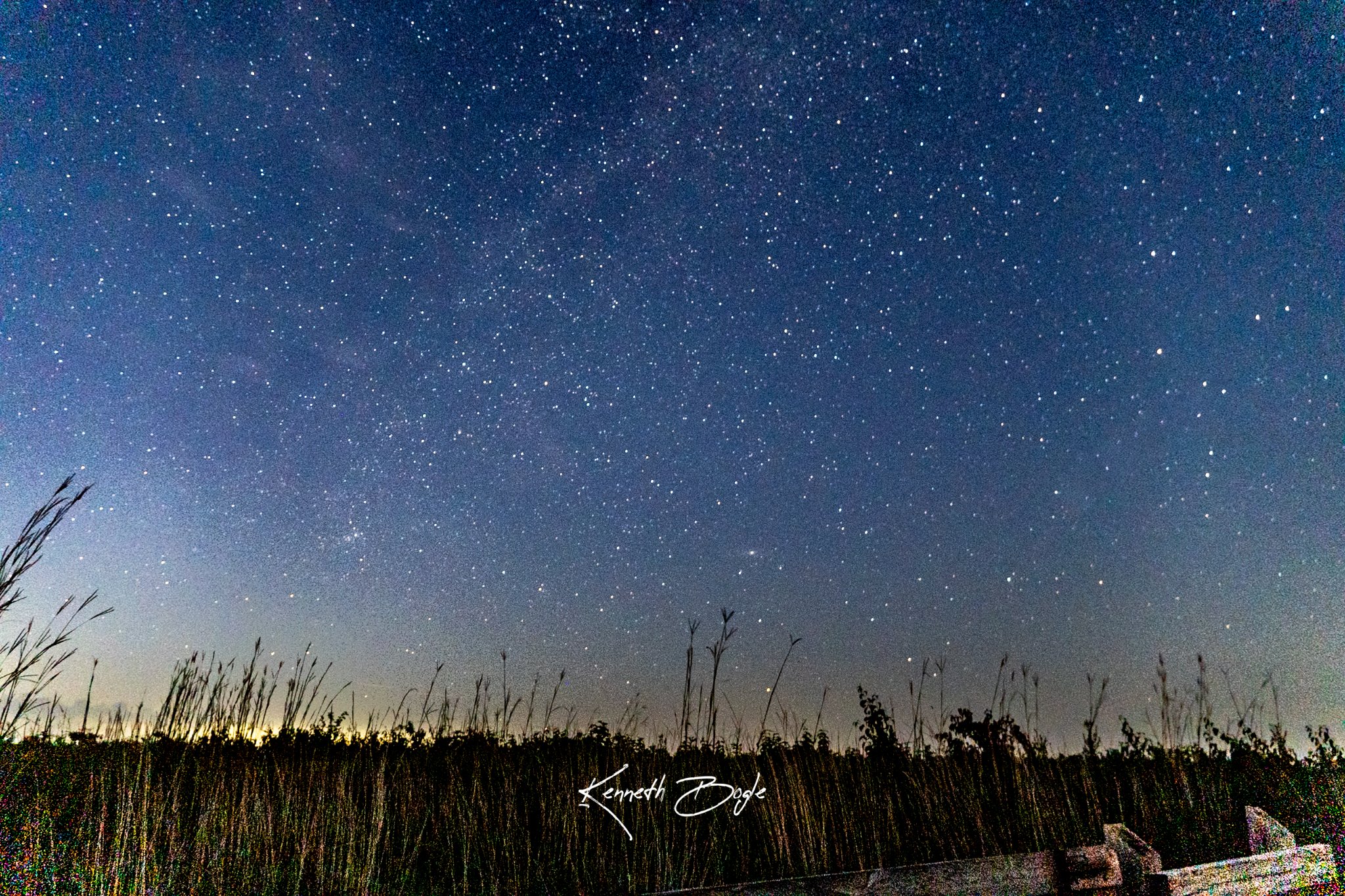
Here are the settings I start with. I set the camera to Manual. I use the widest aperture my lens has. I set the ISO to 1600 to 3200 to start. I set the shutter to 15 to 20 seconds to start. This keeps the stars as points, so they do not trail. I focus manually on a bright star. If your camera has SteadyShot, turn it off when you are on a tripod. I shoot in RAW so I can adjust the photo later. I use the 2 second timer or a remote release, so I do not shake the camera when I press the button. I use a 2 second shutter delay on my camera.
How to Take the Shot
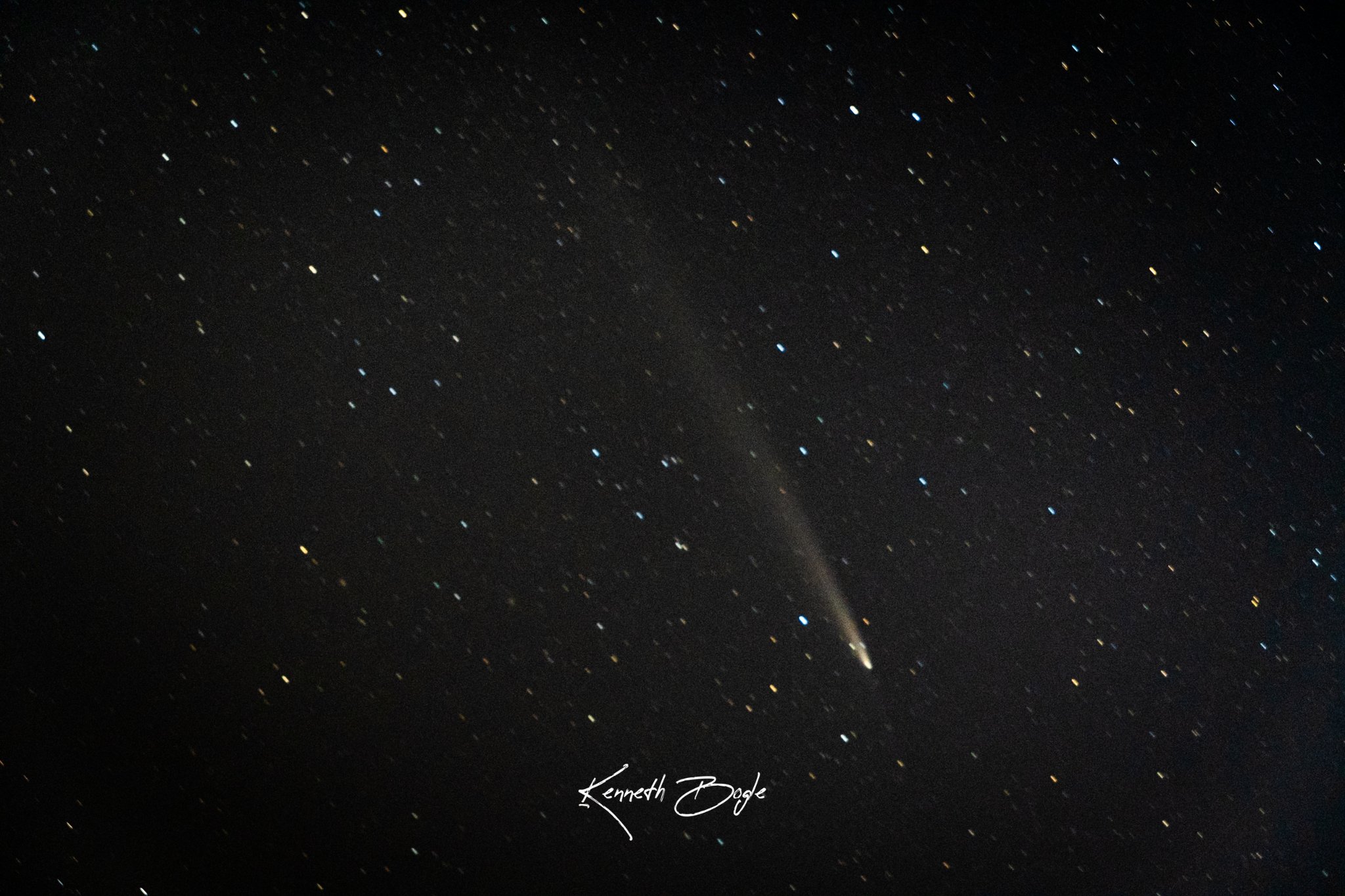
Find a dark sky away from town lights. I shoot on a moonless night, or on a night with low moon. Compose with trees or a horizon in the frame to give the photo scale. Focus on a bright star, then switch the lens to manual focus so it stays put. Take a test shot and look at the result. Then adjust the ISO or the shutter from there until the photo looks right.
Common Problems
Here are the problems I run into, and what fixes them for me.
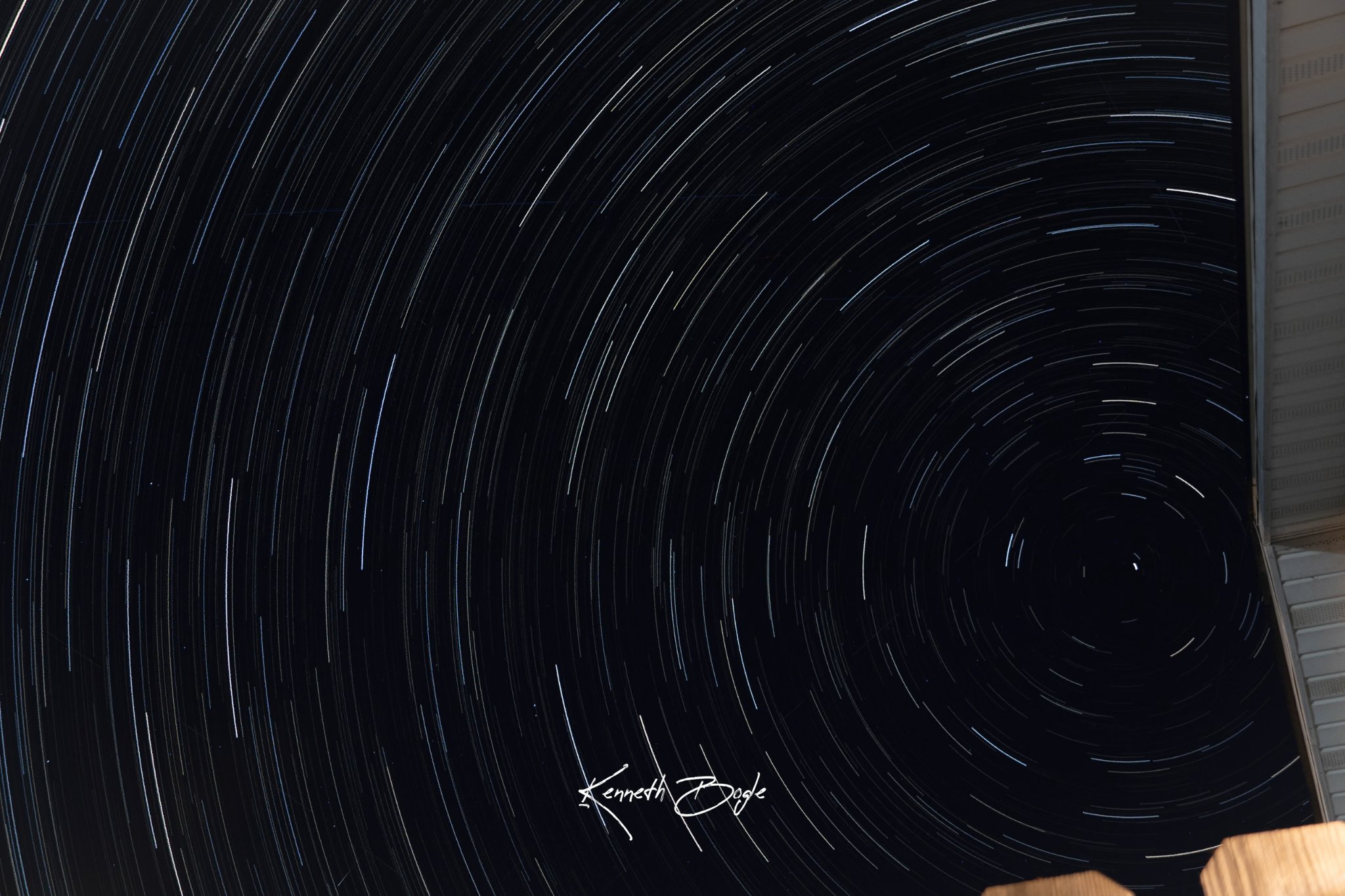
Stars look like trails. Your shutter speed is too long. Shorten it and try again.
Stars look blurry. The focus missed. Go back and focus on a bright star, then lock it in.
The photo looks grainy. Your ISO is too high. Lower it a little and try again.
The sky looks washed out. There is too much town light or moonlight. Try a darker spot or a darker night.
Try It Here
Practice in a dark spot in the Joplin area, away from town lights. I drive out of town until the sky looks truly dark, then I set up and take my time. Prairie State Park is a good place for night sky photos.
Want to Go Further?
If you enjoyed shooting at night with long shutter speeds, my Long Exposure Waterfalls tutorial takes those ideas further with moving water.